Jobs and Workers
Workers
Architecture
The immich-server container contains multiple workers:
api: responds to API requests for data and files for the web and mobile app.microservices: handles most other work, such as thumbnail generation and video encoding, in the form of jobs. Simply put, a job is a request to process data in the background.
Split workers
If you prefer to throttle or distribute the workers, you can do this using the environment variables to specify which container should pick up which tasks.
For example, for a simple setup with one container for the Web/API and one for all other microservices, you can do the following:
Copy the entire immich-server block as a new service and make the following changes to the copy:
- immich-server:
-   container_name: immich_server
...
-   ports:
-     - 2283:2283
+ immich-microservices:
+   container_name: immich_microservices
Once you have two copies of the immich-server service, make the following changes to each one. This will allow one container to only serve the web UI and API, and the other one to handle all other tasks.
services:
  immich-server:
    ...
+   environment:
+     IMMICH_WORKERS_INCLUDE: 'api'

  immich-microservices:
    ...
+   environment:
+     IMMICH_WORKERS_EXCLUDE: 'api'
Jobs
When a new asset is uploaded it kicks off a series of jobs, which include metadata extraction, thumbnail generation, machine learning tasks, and storage template migration, if enabled. To view the status of a job navigate to the Administration -> Jobs page.
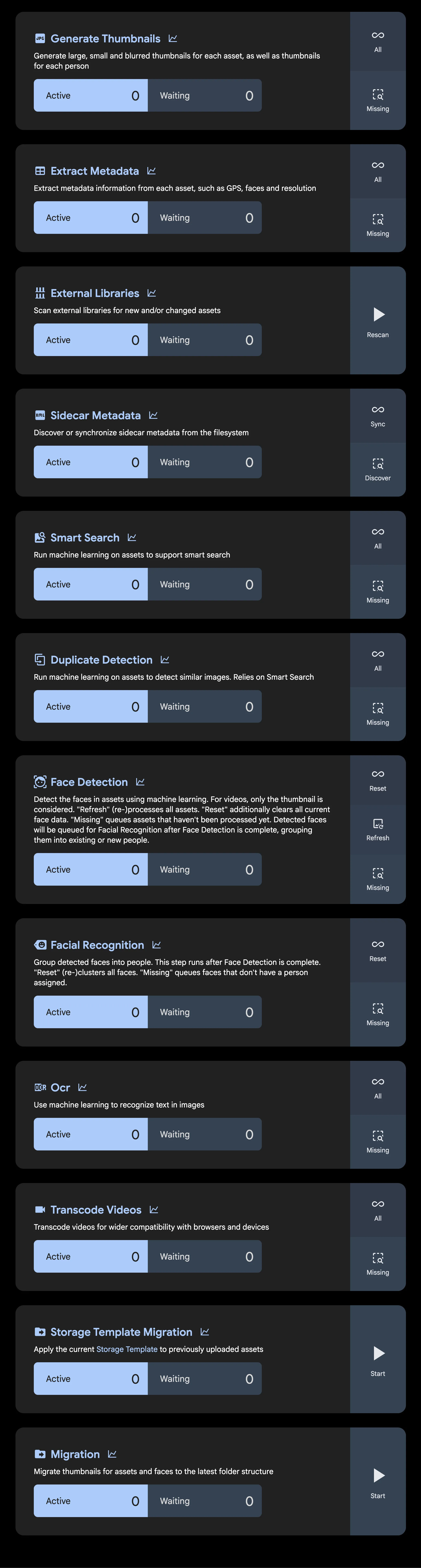
If Personal People and Global People do not match, start the People identity maintenance queue before resetting face recognition. The repair is safe to rerun. It rebuilds the identity links behind Global People, people filters, search, map filters, and album filters. See Face Identity Backfill for the debugging flow.
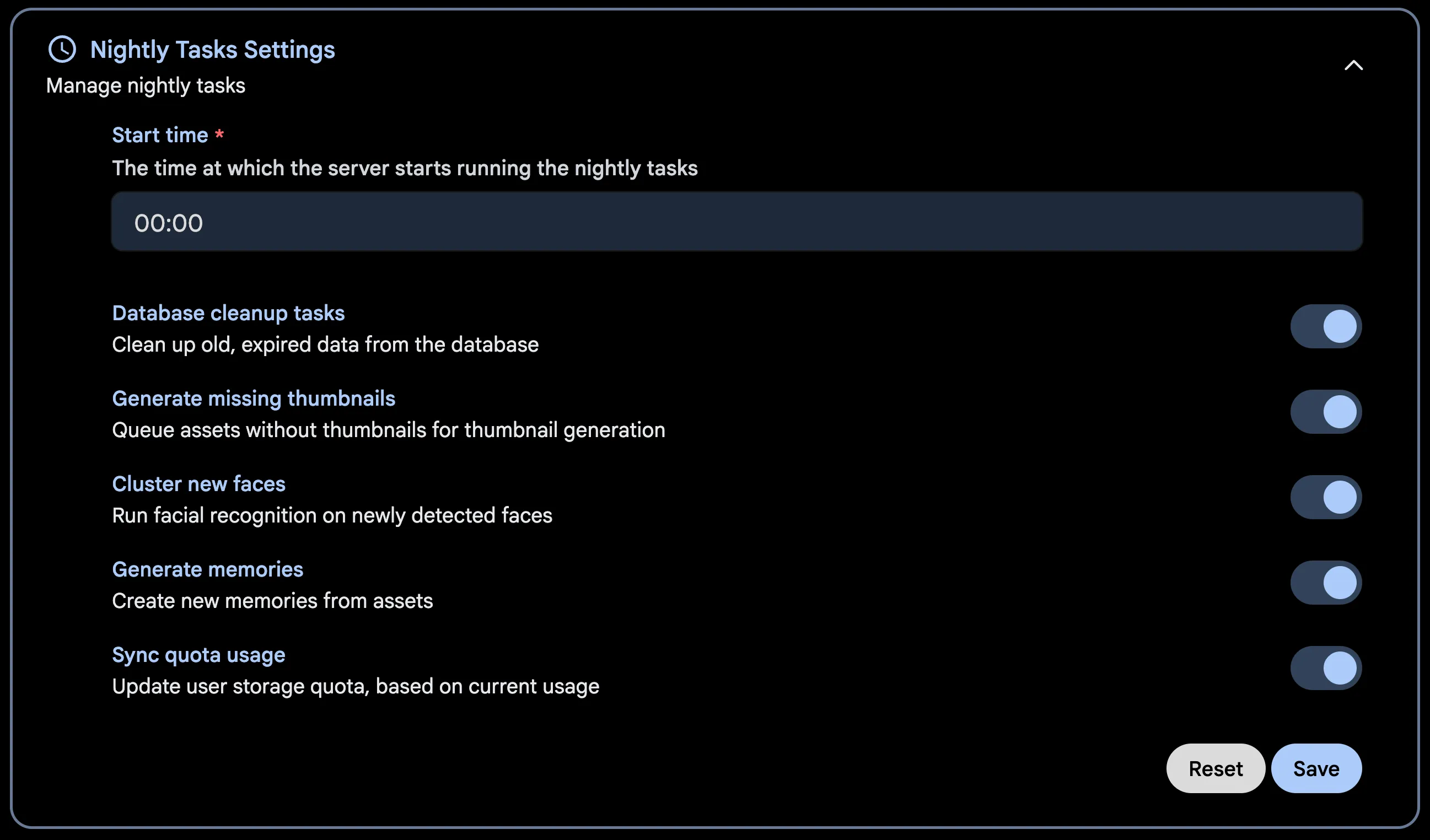
Additionally, some jobs (such as memories generation) run on a schedule, which is every night at midnight by default. To change when they run or enable/disable a job navigate to System Settings -> Nightly Tasks Settings.
Some jobs (External Libraries scanning, Database Dump) are configured in their own sections in System Settings.
Job processing order
The below diagram shows the job run order for newly uploaded files
Pet Detection and Pet Recognition are both disabled by default. With pet detection off, neither job does anything. Pet Recognition only runs for detections that carry an embedding, which means dogs and cats.